
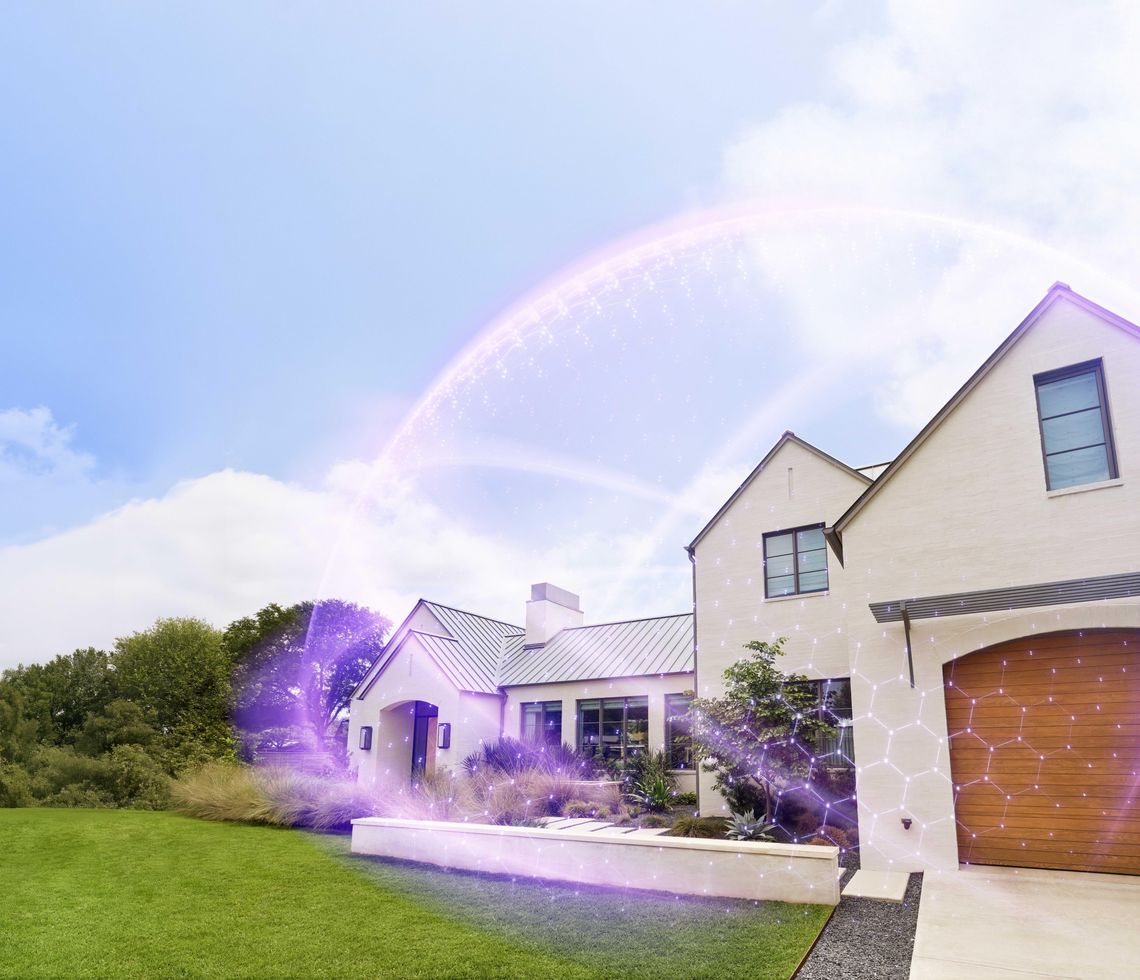
First-of-its-kind platform transforms Xfinity WiFi into an always-on layer of cybersecurity, physical and family protection for tens of millions of homes and devices
Available to Xfinity Internet customers at no additional cost
Key Takeaways
- Xfinity Shield is the first-of-its-kind platform to combine cybersecurity, home and family protection into one seamless app experience.
- Powered by Comcast's advanced network and AI capabilities, Xfinity Shield transforms home WiFi into always-on protection via the Xfinity Gateway.
- Xfinity Shield has two offerings: WiFi Shield provides security built into Xfinity WiFi at no additional cost to Xfinity Internet customers, and Shield Select further extends protection through hardware, AI-enhanced monitoring and access to emergency services for $15 per month.
Comcast introduces Xfinity Shield, a first-of-its-kind platform for intelligent home protection. Xfinity Shield leverages AI capabilities embedded across the nation’s largest converged network and Xfinity Gateway technology to transform WiFi into an always-on layer of cybersecurity, physical and family protection.
As homes become increasingly connected, so do the risks that come with them. The average Xfinity customer now connects 36 devices to WiFi, exposing households to more online risks. The Xfinity Gateway helps block malicious activity before it reaches devices and provides protection across the entire home. Today, Comcast identifies, filters, and blocks an average of 30 million threats every day.
But protecting the home extends beyond cybersecurity. Consumers today often juggle separate, expensive solutions for digital security, home monitoring and family safety. Xfinity Shield addresses this fragmentation by bringing these capabilities together in a new product suite – managed through one simple experience in the Xfinity app.
"Xfinity Shield represents our vision for the next era of the intelligent home," said Jon Gieselman, Chief Growth Officer, Connectivity & Platforms, Comcast. “We believe the network should do more than connect devices. It should help protect the people, their personal information, and everything within their homes that depend on our most reliable WiFi every day. That’s the vision behind Shield: advancing the role of WiFi to both connect and protect the home.”

WiFi Shield: Built-In At-Home Protection
At the heart of Xfinity Shield is WiFi Shield, included at no additional cost for Xfinity Internet customers*, which delivers three layers of protection built into the WiFi experience:
Digital Protection: Cybersecurity Starts at the Network
WiFi Shield includes Xfinity CyberSecure, cybersecurity that helps automatically protect any device connected to the Xfinity Gateway from malware, hackers, phishing attempts and other online threats before they reach devices in the home. Unlike device-specific security tools, CyberSecure works at the WiFi level – assessing threats on the home network continuously to help protect every connected device – while also giving customers greater visibility and control when new devices join the network.
Physical Protection: Awareness Without Additional Equipment
An opt-in feature, WiFi Motion uses the Xfinity Gateway and connected devices to detect motion inside the home – without cameras or traditional motion detectors. Using Xfinity Gateway intelligence, WiFi Motion detects changes in the home’s radio frequency signal between the Xfinity Gateway and a WiFi connected device, then sends instant notifications to customers through the Xfinity app when unexpected activity is detected. It provides an added layer of awareness without recording video, capturing images or identifying individuals.
Family Protection: Simpler Controls for Healthier Digital Habits
Through Family Settings, customers can access tools that help establish online boundaries and create healthier digital habits for every member of the household. With devices connected through the Gateway, families can create profiles and organize devices by person in the app – enabling them to manage screen time, set device limits, pause WiFi and build schedules.
Within the Xfinity app, customers can also customize these features and notifications in three protection modes – Home Watch, Away Watch and Dark Watch – providing peace of mind when they’re home, away or asleep.
Shield Select: Enhanced Protection with AI-Powered Capabilities
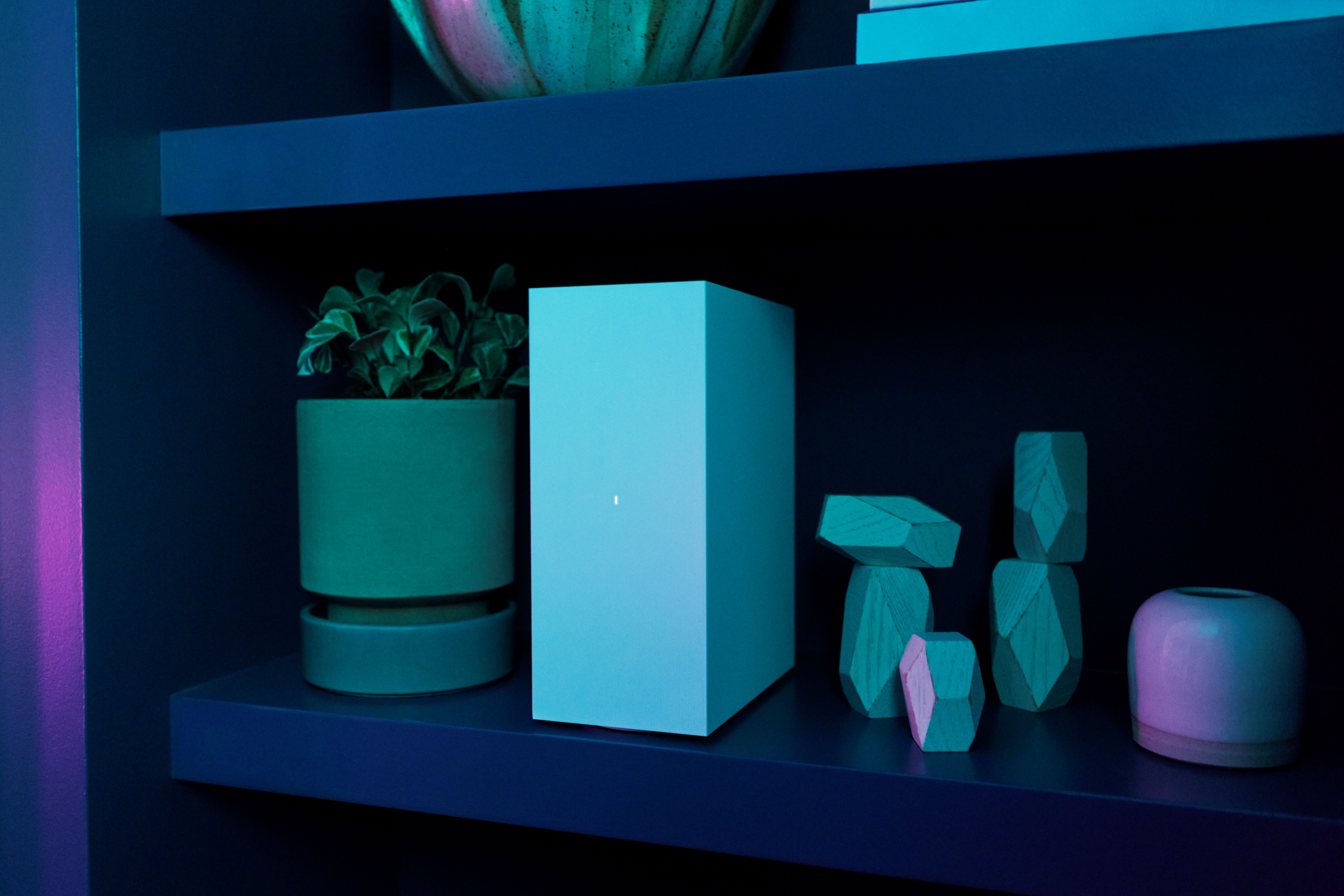
For customers seeking an additional layer of protection, Comcast is also introducing Shield Select, which combines all the benefits of WiFi Shield with integrated hardware and enhanced capabilities. Shield Select includes an indoor camera, door/window sensor, cloud video storage capabilities and 24/7 urgent response functionality that allows customers to tap for emergency help.
Shield Select provides smart motion detection to AI-powered cameras that identifies people, pets, vehicles and package deliveries.
"Our goal was simple: make protection easier, smarter and more accessible," said Fraser Stirling, Global Chief Product Officer, Comcast. "We believe the future of protection should be integrated into the technology people already use every day, not added as another product they have to manage. With Xfinity Shield, WiFi delivers protection that helps safeguard people’s digital lives, homes and families in a simple, digital-first experience.”
Getting Started with Xfinity Shield
Xfinity Shield is the latest offering from Xfinity Home and is available beginning August 18. WiFi Shield is available nationwide for all Xfinity Internet customers with Advanced Xfinity Gateways. Customers can seamlessly upgrade to Shield Select for $15 per month in the Xfinity app.
WiFi Shield and Shield Select are the first offerings in this new platform, with additional capabilities and experiences to follow in 2027.
*Customers must have an Advanced Xfinity Gateway to have access to all features.
What is Xfinity Shield?
Xfinity Shield is a first-of-its-kind protection platform that brings together digital, physical and family protection in one simple experience. Powered by Comcast’s advanced network and Xfinity Gateway technology, it leverages AI to help protect customers’ homes, devices, and families through a unified experience with the Xfinity app.
What is WiFi Shield? What does it include?
WiFi Shield turns your WiFi into a security layer so you can protect your home, your devices and your family with your Advanced Xfinity Gateway. Included with Xfinity WiFi at no extra cost, it offers CyberSecure for digital protection, WiFi Motion for camera-free motion awareness*, Family Settings for parental controls and screen time management, and customizable protection modes through the Xfinity app.
* Requires compatible Xfinity Gateway
What is Shield Select? What does it include?
Shield Select is a simple, affordable home self-monitoring solution that includes all features of WiFi Shield plus additional hardware and protection capabilities. Features include an indoor camera, door/window sensor, 24/7 urgent response, and secure cloud video storage for recorded camera footage.
Do customers need to pay for WiFi Shield?
No, WiFi Shield is included at no cost for all Xfinity Internet customers with Advanced Xfinity Gateways.
How does Xfinity CyberSecure protect devices?
CyberSecure provides always-on protection for all devices from the moment they connect to home WiFi. Because it operates at the network level through the Xfinity Gateway, every phone, laptop, tablet, smart TV, and smart home device that joins the home network is protected from malware and malicious content. CyberSecure is provided as part of WiFi Shield. It’s built into the Gateway and included with your Xfinity Internet service at no extra cost.
What is WiFi Motion and how does it work?
An opt-in feature, WiFi Motion uses the WiFi signal from a customer’s Xfinity Gateway to sense movement in their home — no cameras needed or recordings captured. If motion is detected between the Gateway and other connected devices, the customer can be notified. They can be alerted to movement in their home using technology that's already built into their Gateway, whether they’re in the next room or away from home. WiFi Motion works across compatible Gateway models and is included with their Xfinity Internet service at no extra cost.
How does the Family Settings feature help keep kids safe online?
Family Settings gives customers tools to help manage their family's digital life at home. From the Xfinity app, they can monitor screen time usage, set time limits for specific devices or family members, pause WiFi access for individual people or devices, and block unwanted or age-inappropriate sites — without needing additional equipment or software. Family Settings is built into the Gateway and included with your Xfinity Internet service at no extra cost.
What is Dark Watch? How can a customer customize it to their schedule?
Dark Watch lets customers tailor their home’s settings for bedtime, overnight hours, or other schedules. When Dark Watch is active, customers can choose which WiFi Motion-enabled devices should send alerts at night, receive camera and door/window sensor alerts, lock connected smart doors, control connected lights, and pause WiFi to help family members wind down before bed. They can also schedule Dark Watch to turn on and off automatically based on their household's routine.








Comments